
Inspections: Required Images
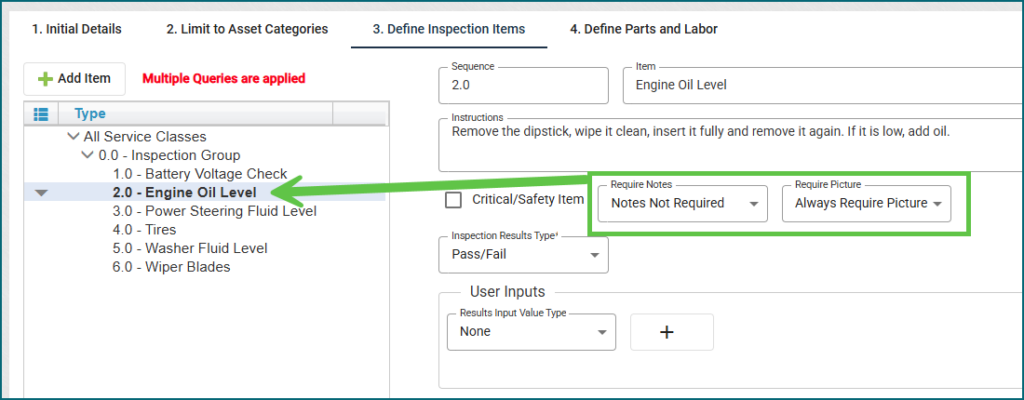
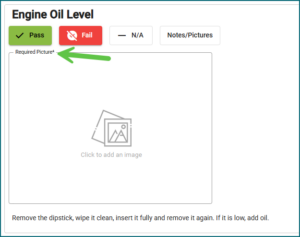
Images can now be required separately from notes on inspections. Any current inspections in your application will not have any user experience changes, but you can manually update them if desired. Please see the Inspection topic in the User Guide for more information.
Warehouse Inactivation + Available Quantity
We’ve updated the workflow to prevent a warehouse from being inactivated while it still contains active inventory. All active inventory must be transferred to another active warehouse before the warehouse can be inactivated.
Purchase Order Calculation Update
We identified and resolved an issue where, in certain cases, canceling an item from a purchase order did not consistently update the “Quantity on Order” field within the Inventory view. This behavior has been corrected to ensure the field now always updates.
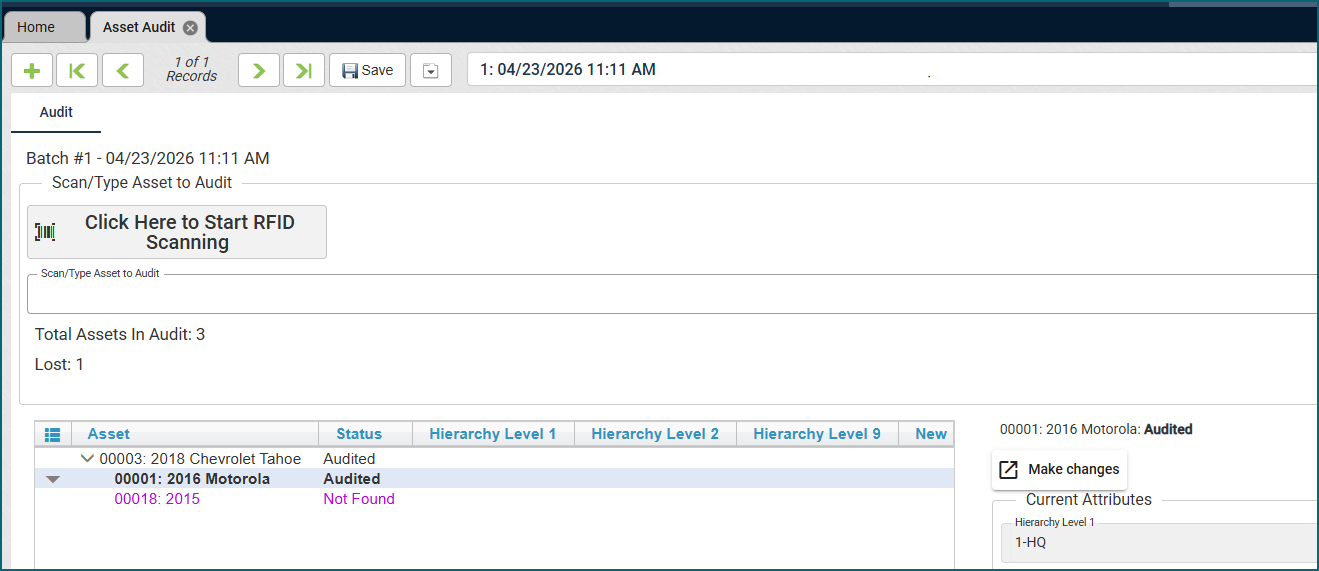
RFID Scanning available in Asset Audit
The Asset Audit view now supports RFID scanning. If this is something your organization would like to incorporate, please reach out to our Support Team.
Fleet Dashboard
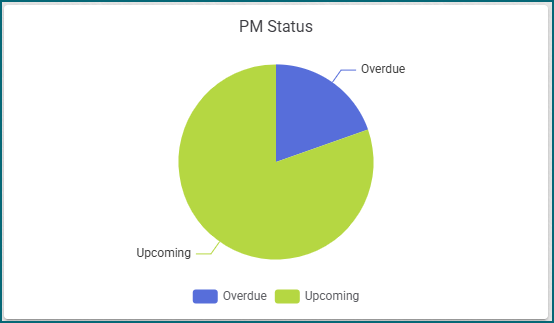
The PM Status chart has been enhanced to more clearly reflect vehicles with upcoming or due preventive maintenance.
To-Do List
The To-Do List was updated so that the Due Date and Days Left columns pull in information for all Tasks that are listed in the list.
Work Order Totals
We resolved an issue where the grand total displayed on the Work Order view did not update correctly when a Work Code with associated miscellaneous costs was deleted. This issue was limited to the on-screen display on the Work Order view, and did not impact any reporting.
Questionable Meter Reading Report
We updated the Questionable Meter Reading Report to ensure that Meter Replacements were not included in the report. Additionally, we updated the Asset → Meter Updates tab to make sure that any meters that were entered as a result of a Meter Replacement were not flagged as being questionable.
Item Issue & Return: Expiration Date Updates
We updated the Item Issue and Item Return views to have the Asset expiration date field. The data shown in this field comes from the main tab of the Asset view.
Item Request: Serialized Items & Multiple Items
We updated the Item Request workflow to properly handle serialized items. When a user requests items that are tracked by serial number, they can enter the total quantity needed, and the system will automatically separate the request into individual lines to ensure serial numbers can be properly assigned during issuance. For additional details, refer to the Item Request section in the User Guide.
Technician View
We fixed and updated the “Add Upcoming Services and Requests” button so it works exactly the same as it does on the Work Order view.
Shop Scheduler
We updated how shop times can be inactivated on the setup if your shop no longer supports a time slot that was previously available.
Maintenance Task Status
We fixed an issue where new statuses created for Maintenance Tasks were causing the task to automatically close. This has been corrected.
New Look and Feel!
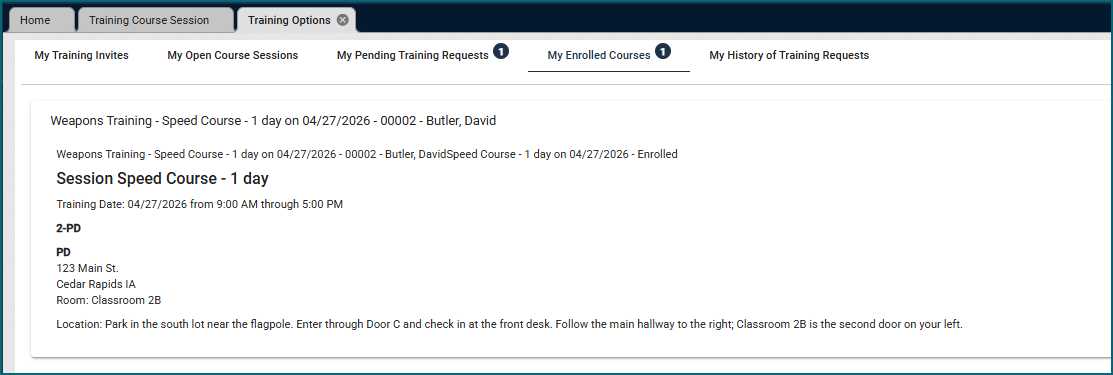
The Advanced Training Module has been redesigned for a faster, simpler experience. Easily create classes, schedule sessions, enroll entire departments, and let users view and sign up for open classes—all in just a few clicks. If you have this module, check out the User Guide for more details, or reach out to Support for help. 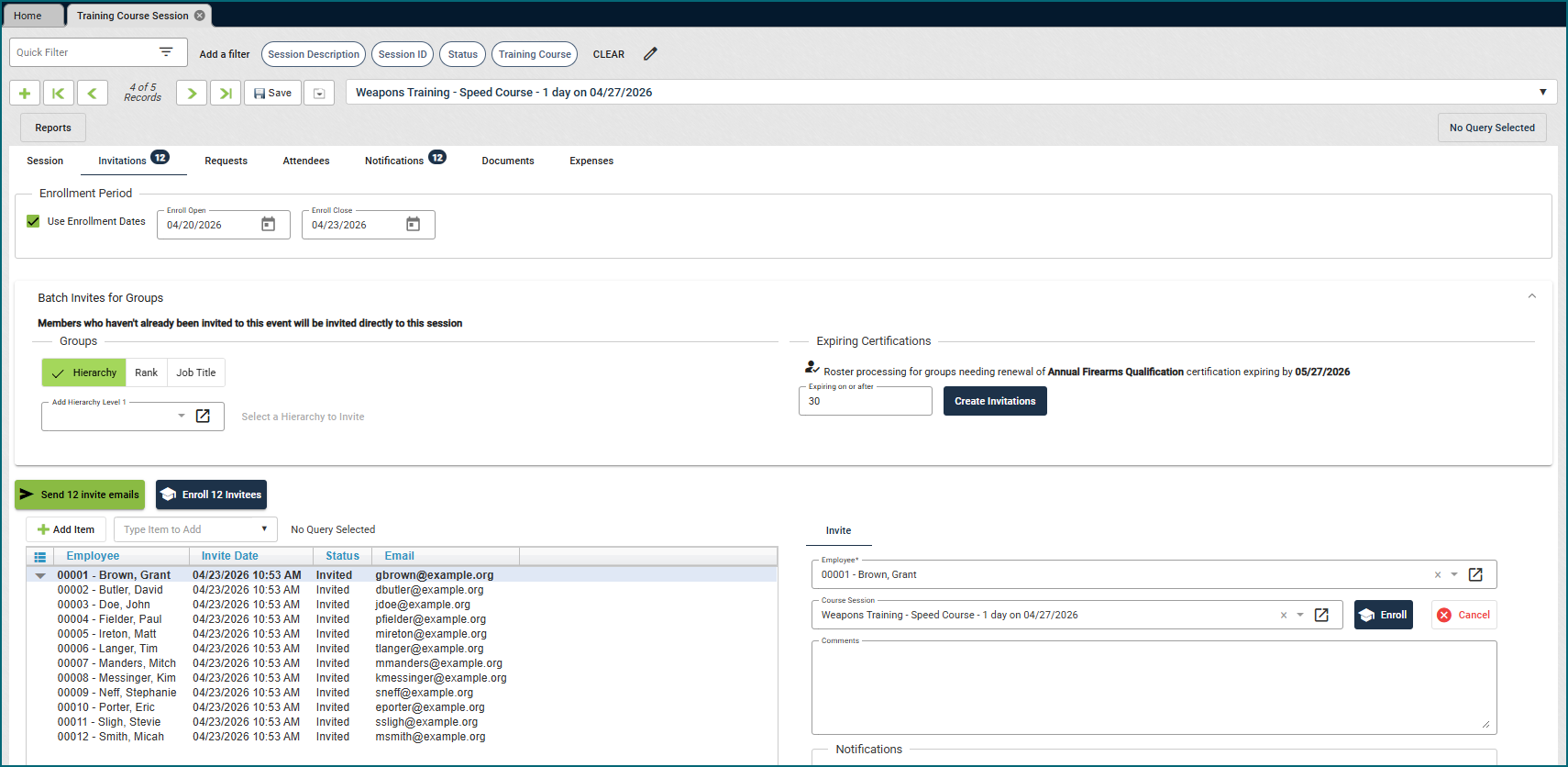
New Look and Feel!
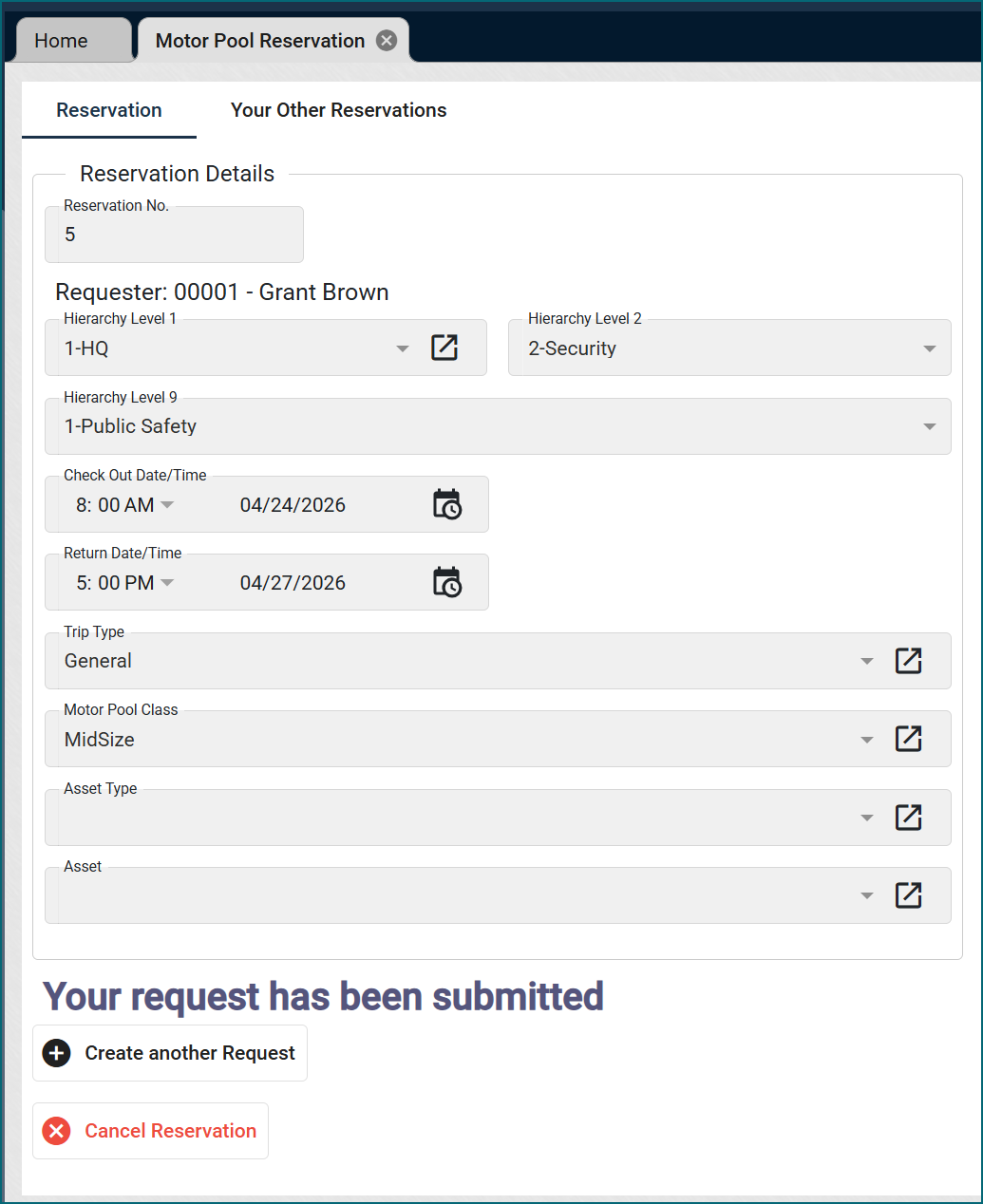
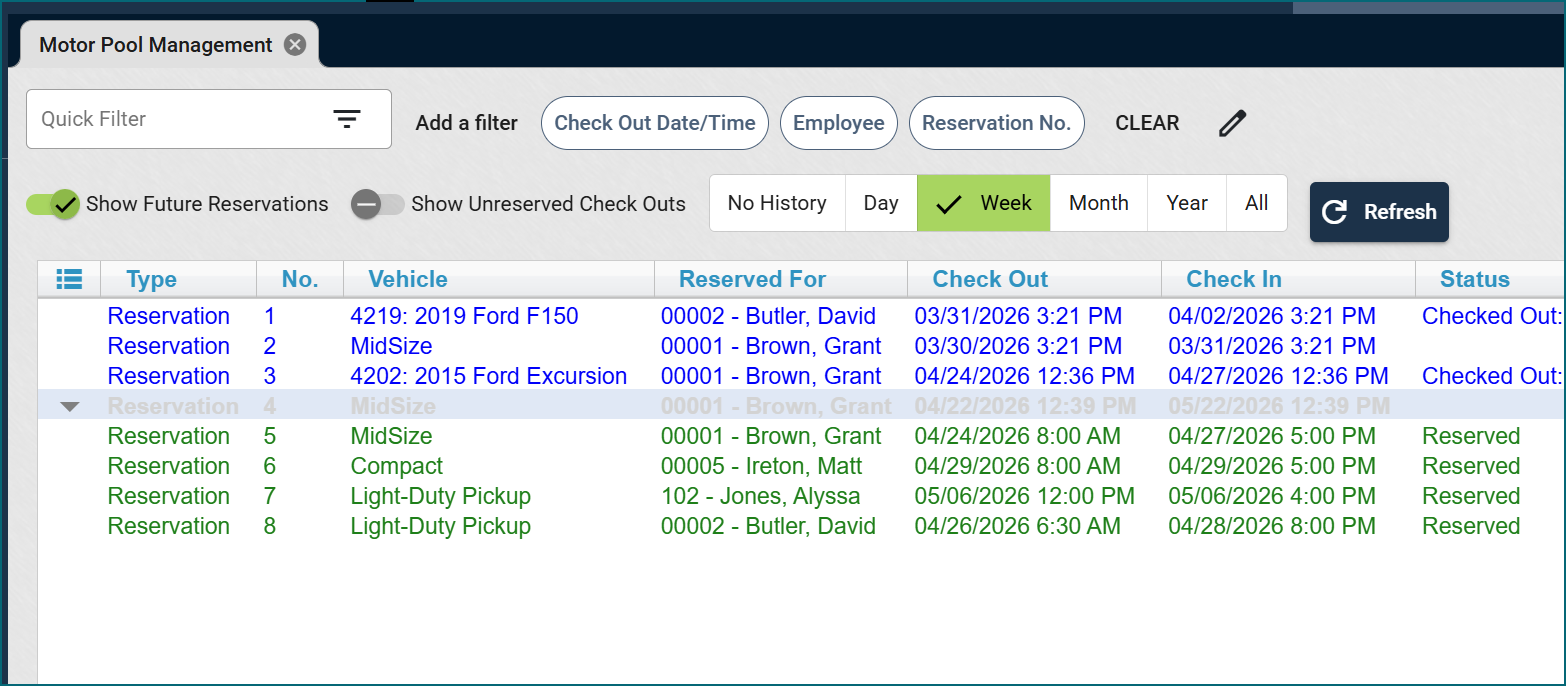
The Motor Pool Module has a fresh new look and improved usability. A dedicated setup view makes it easy to manage assigned vehicles, while a new management view streamlines assigning vehicles to requesters. Drivers can now complete their own inspections using the inspection feature, or motor pool staff can complete them alongside the requester. If you have this module, visit the User Guide for more details, or reach out to Support for help.